|
1.
|
With all of the instance methods for a category selected, select Categories in the drop-down list now named Source. The display in the lower half of the window changes. It indicates that the selected methods are currently in the catch-all category Not categorized.
|
|
2.
|
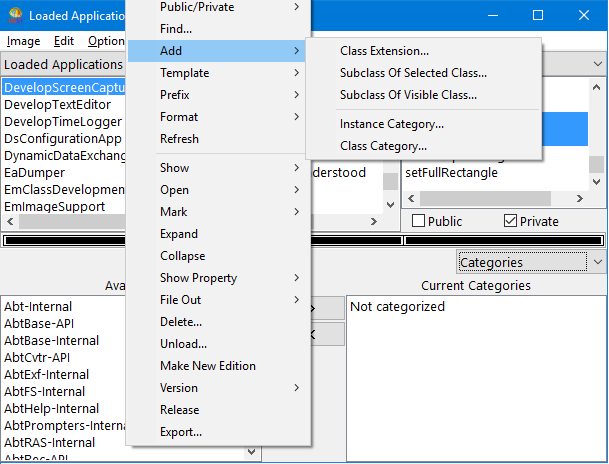
Add the category name. Pop up the menu for the Classes pane; then select Add > Instance Category from the displayed menu.
 |
|
4.
|
With all of the instance methods still selected, select the >>> push button. The new category replaces Not categorized in the list of current categories. The instance methods now fall under the new category.
|
