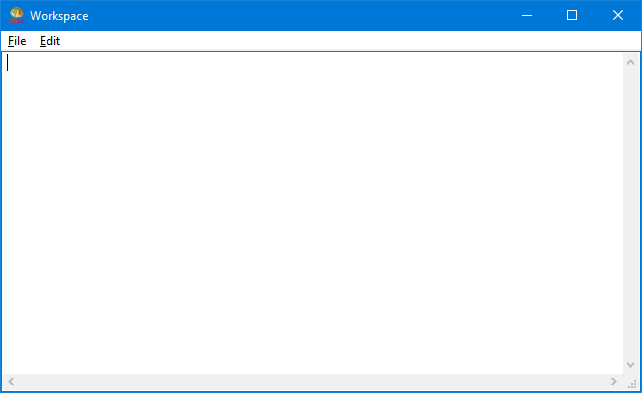
The Transcript and Workspace windows are alike in that they both have one pane in which you can enter and work with text, including Smalltalk code. Also, they both offer File and Edit menus.
The File menu offers options that are common across the development environment, such as opening a new Workspace, selecting browser fonts, or saving information. This menu appears on the menu bar of every tool.
The Edit menu appears on every window that has a text (or description) pane. This menu offers common text functions such as Cut, Copy, and Paste to the clipboard. It also offers the commands Execute, Display, and Inspect, which enable you to evaluate Smalltalk code.
The Transcript has one other menu: the Tools menu. This menu enable you to access windows in which you will do most of your work.
The Tools menu offers options for opening development browsers, administering your system, and installing features.
