To start your product, select Getting Started from the product directories (a.k.a. environments) in the list and click on the arrow on the left side of the entry.
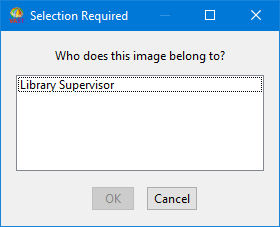
After you select a designation and select OK, the system makes you "owner" or "manager" of any components you create under that designation.
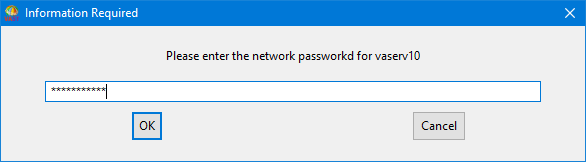
If your name does not appear in the list of users or if you do not know your network password, contact your library administrator. If you are the library administrator, see Giving users access to libraries for more information.
If this is the first time you are launching this development image, a window opens asking whether you want to connect to the library, select Yes. This recaches the system's pointers. After you save the image, you will not have to recache pointers again.
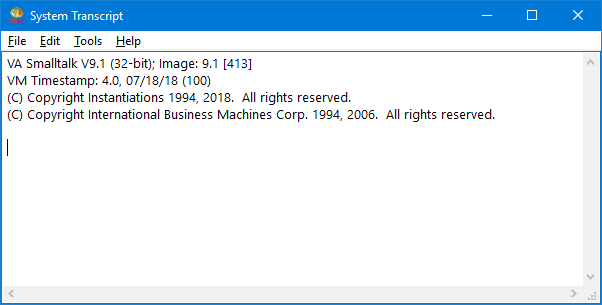
After you start your product, you will see a picture on the screen while the system loads. After the system loads, the System Transcript window opens. For simplicity, this guide will refer to the System Transcript window as the Transcript. The Transcript looks like this: