You can implement the methods in any order. This example begins with open, a public instance method of Chooser that helps define the interface. To implement open, do the following:
|
1.
|
Return to the Application Browser you have open on DevelopChooser.
|
|
2.
|
From the list of classes, select Chooser.
|
|
4.
|
|
5.
|
|
6.
|
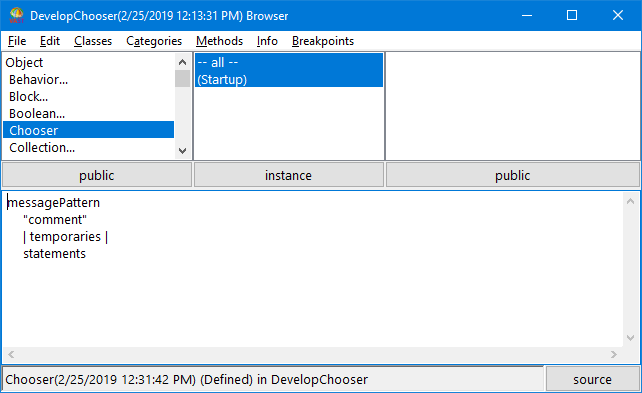
With Startup highlighted, select New Method Template from the Methods menu. A template is displayed in the description pane.
 |
|
8.
|
Save the method. If you have typed in the method text shown above, the method name open is displayed in the list of methods.
|

If syntax error or a similar phrase is displayed, check for a misspelled word, a missing word, or missing punctuation. (Ensure you erase the phrase.)
If a debugger window opens, read the message in its top pane. It should indicate how you can correct the method open. Make any needed corrections in the method; then pop up the menu and select Save again. For more information on the debugger, see Debugging code.
