The code to create this tree is similar to that for the example on page Example code to create a widget tree, but in this example event and callback handler code (bold text) has been added. This code registers the event and callback handlers just after the widgets are created.
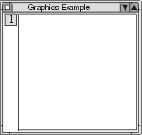
When the push-button widget is pressed (that is, when the user clicks mouse button 1 while the mouse pointer is over the push-button widget), the pressed:clientData:callData: method is run. When the mouse is moved in the drawing area with button 1 held down, the button1Move:clientData:event: method is run.
 |
