To open a Benchmark Workshop, select Open Benchmark Workshop from the Tools menu of the Transcript or evaluate the following expression:
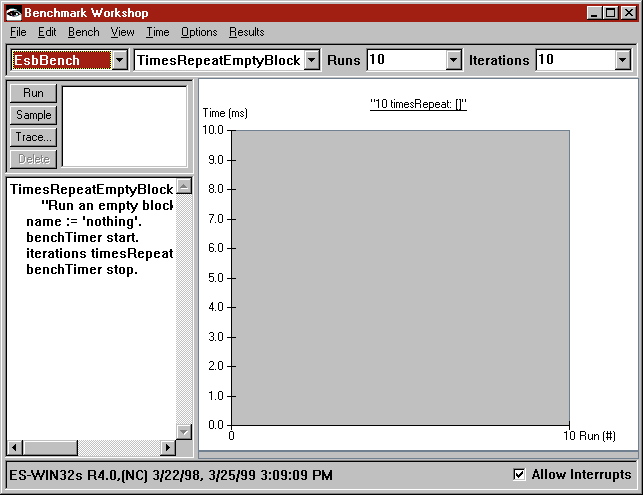
Executing the bench method using the Run, Sample, or Trace button gathers raw data for the bench method. The data is saved in the browser and is available through the items of the benchmark list. Benchmarks are given a descriptive name and are sorted by date and time. You can use the Delete button to discard unwanted runs.
Each execution of a bench method is represented by a point on the line graph. The graph shows the number of runs versus the time for each run. Individual points may be selected and edited as described in Viewing the results. The summary statistics in the results bar graph are updated to display only the selected points. Points may be deleted to remove outlying values. The lines in the line graph are color-coded to match the results bar graph.
The status line shows time and date information for all benchmarks in the browser. The status line can be shown and hidden by selecting Show Status Line from the Options menu.
