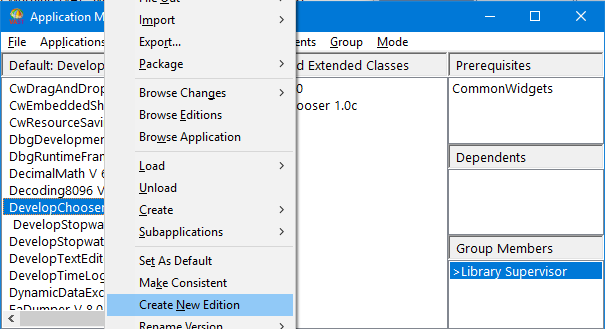
In Example: Creating the application DevelopChooser, you created the application DevelopChooser, added its prerequisites, and defined group members for it. In Example: Creating an application version, you created a version of it. The final step in preparing your application for development is to create an edition for your group members to start working in.
|
2.
|
Select DevelopChooser from the list of applications.
|
|
3.
|