Because you used an Edit menu option to run the code, find the message Doit in the message stack and select it. The debugger displays the following:
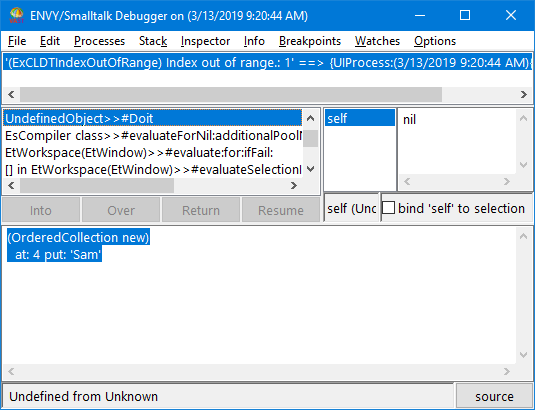
The expression that generated the error is shown in highlighted text. Note the message at:put: in the expression.
Now, look at the next message up in the stack to find the cause of the error. The message is OrderedCollection>>#at:put:. Select the message. The code it executes appears in the description pane with the current message send highlighted, and the current temporary variables appear in the list of variables.
