Chapter 21 UI Assistant Layout Toolbar

The Layout page includes attachment styles that can be applied to one or more widgets with a single mouse click. Lock a group of widgets to the lower right corner of the window with one mouse click!
The default attachment style list represents most of the common attachment combinations that you are likely to need. One mouse click on one of these options replaces at least ten or more mouse clicks in the Composition Editor. All of these options can be applied to multiple widgets at the same time. The Composition Editor forces you to access each widget one by one. Thus one mouse click in the UI Assistant replaces N times 10+ mouse clicks in the Composition Editor.
Offset / Position
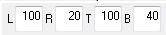
Specify the offset or position for each edge of the selected parts. If the associated attachment is of the type XmATTACHPOSITION, the input will represent a percentage between 0 and 100. For any other attachment type, it represents a fixed pixel offset. “L” indicates the left edge; “R” indicates the right edge, “T” indicates the top edge; and “B” indicates the bottom edge.
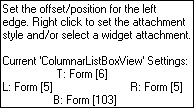
The hover help for these fields indicates the current settings for the selected widgets. The text will be different depending on whether one or more widgets is selected.
e.g. 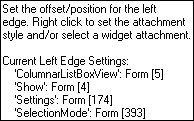
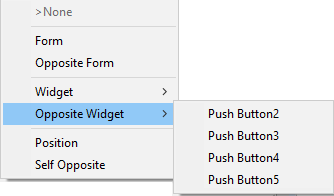
Right-click on any of the offset fields to set the attachment type or to set widget attachments.
Top-Left Corner
 Fixed Distance from Top-Left Corner.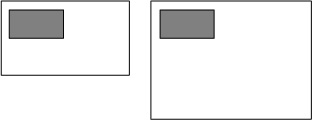
Top-Right Corner
 Fixed Distance from Top-Right Corner.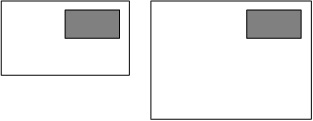
Bottom-Left Corner
 Fixed Distance from Bottom-Left Corner.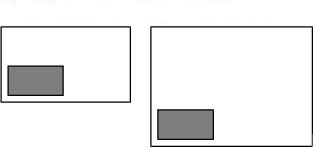
Bottom-Right Corner
 Fixed Distance from Bottom-Right Corner.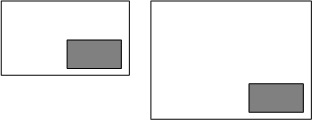
Top, Left and Right Sides
 Fixed Distance from Top, Left and Right Sides.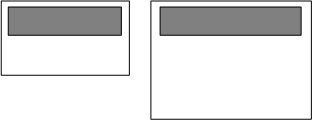
Bottom, Left and Right Sides
 Fixed Distance from Bottom, Left and Right Sides.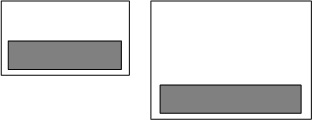
Top, Bottom and Left Sides
 Fixed Distance from Top, Bottom and Left Sides.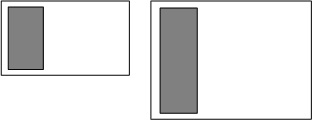
Top, Bottom and Right Sides
 Fixed Distance from Top, Bottom and Right Sides.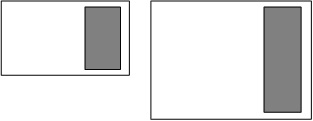
All Sides
 Fixed Distance from All Sides.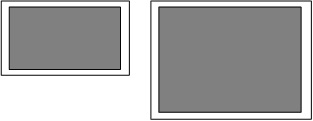
Relative Position and Size
 Relative Position and Size.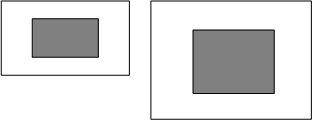
Relative Width, Fixed Distance from Top
 Relative Width, Fixed Distance from Top.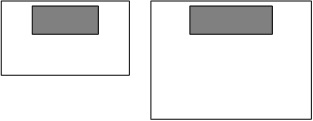
Relative Width, Fixed Distance from Bottom
 Relative Width, Fixed Distance from Bottom.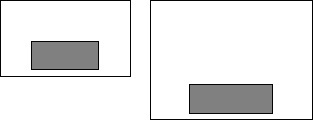
Top, Left and Right Sides, Relative to Bottom
 Fixed Distance from Top, Left and Right Sides, Relative to Bottom Side.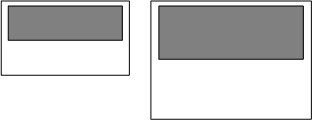
Bottom, Left and Right Sides, Relative to Top
 Fixed Distance from Bottom, Left and Right Sides, Relative to Top Side.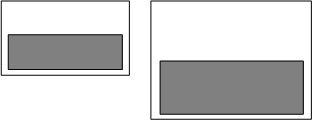
Top, Bottom and Left Sizes, Relative to Right
 Fixed Distance from Top, Bottom and Left Sizes, Relative to Right Side.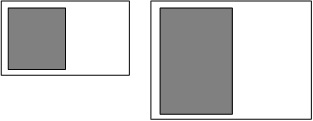
Top, Bottom and Right Sides, Relative to Left
 Fixed Distance from Top, Bottom and Right Sides, Relative to Left Side.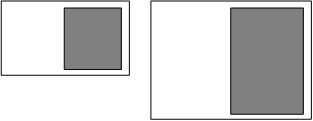
Top-Left Corner, Relative to Bottom and Right
 Fixed Distance from Top-Left Corner, Relative to Bottom and Right Sides.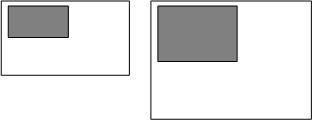
Top-Right Corner, Relative to Bottom and Left
 Fixed Distance from Top-Right Corner, Relative to Bottom and Left Sides.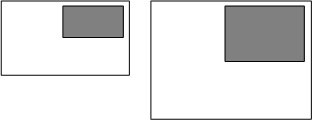
Bottom-Left Corner, Relative to Top and Right
 Fixed Distance from Bottom-Left Corner, Relative to Top and Right Sides.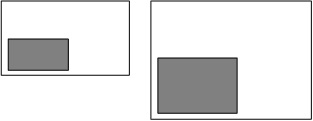
Bottom-Right Corner, Relative to Top and Left
 Fixed Distance from Bottom-Right Corner, Relative to Top and Left Sides.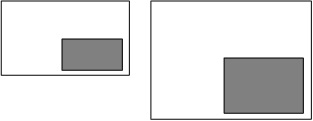
Last modified date: 08/22/2025